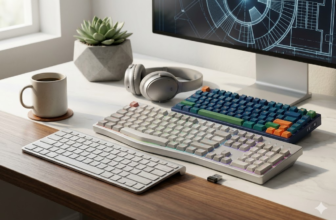
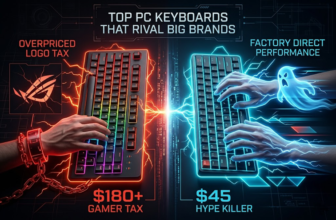
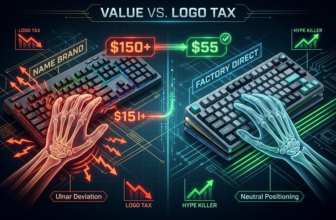
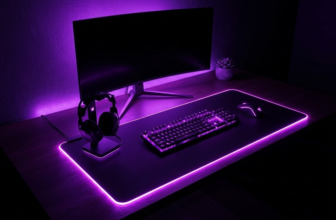
Ready to leave pre-built keyboards behind and create something truly your own? A DIY mechanical keyboard kit is your entry into a world of incredible customization, allowing you to choose the exact feel, sound, and look you’ve always wanted. But with hundreds of options, from compact 60% keyboard kits to premium aluminum keyboard kits, choosing the right one can feel overwhelming.
That’s where this guide comes in. We’ve tested and researched the market to bring you the definitive list of the best DIY keyboard kits for every budget and skill level. This buyer’s guide will help you understand the key features to look for so you can make the perfect choice for your first build.
💰Save More with Our Discounts & Coupons!
Our Top Picks for the Best Custom Keyboard Kits
| Kit Name | Best For | Why We Love It & Key Features |
|---|---|---|
| Glorious GMMK Pro | Best Overall Beginner Kit | High-quality aluminum build, 75% layout with a programmable knob, and a seamless hot-swap experience. It feels premium and simplifies the build process. |
| Keychron V-Series | Best Budget Keyboard Kit | Unbeatable value. Delivers a fantastic typing experience with a hot-swap PCB and robust QMK/VIA software at an entry-level price. |
| GK61/SK61 Kit | Best 60% Keyboard Kit | The go-to choice for a minimalist, gamer-focused setup. It’s affordable, widely available, hot-swappable, and frees up huge desk space. |
| MonsGeek M3 | Best Value TKL Kit | A full aluminum keyboard kit with a high-end gasket mount feel for under $150. Perfect for those who want a TKL layout without the premium price. |
How to Choose the Right Keyboard Kit: A 5-Point Buyer’s Checklist
Every keyboard build kit is a collection of components. Understanding these parts as buying criteria is the key to choosing the right one.
1. Prioritize a Hot-Swappable PCB
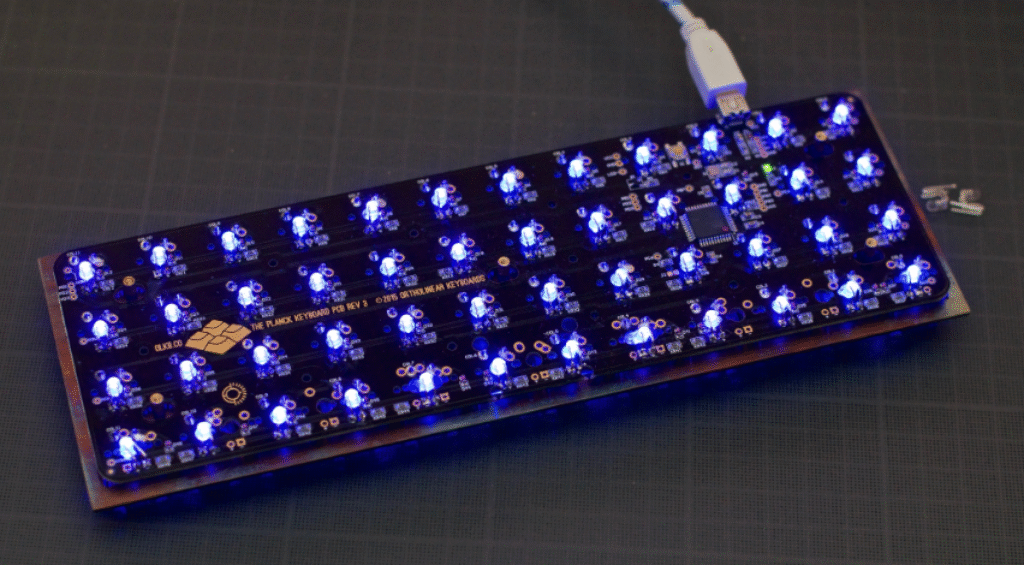
This is the most critical feature for beginners. A hot-swappable PCB allows you to press switches directly into sockets without any soldering. This makes assembly easy and lets you experiment with different switches later on. For your first build, only consider hot-swappable kits.
2. Choose Your Case: Size and Material Matter
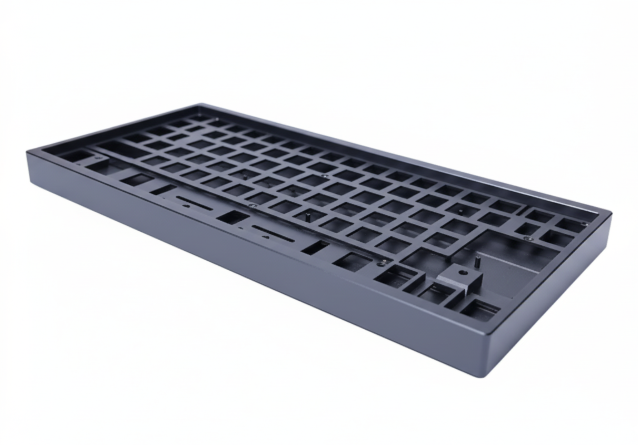
The case determines your keyboard’s size, look, and sound.
- Layout: Do you need a number pad? A full size keyboard kit is best for office work. For a balance of gaming and productivity, a tenkeyless keyboard kit (TKL) is perfect. For a clean, gamer-focused setup, a 60 keyboard kit is ideal.
- Material: Plastic cases are lightweight and create a deeper sound. An aluminum keyboard kit feels more premium, is much heavier, and produces a cleaner sound.
3. Select a Switch Type for Your Feel and Sound
Your kit won’t feel right without the perfect switches. Your choice comes down to three main types:
- Linear: Smooth, fast, and relatively quiet. Best for gaming.
- Tactile: A satisfying “bump” on each press. A great all-rounder for typing and gaming.
- Clicky: A tactile bump plus an audible “click.” Very satisfying, but very loud.
4. Check the Stabilizers
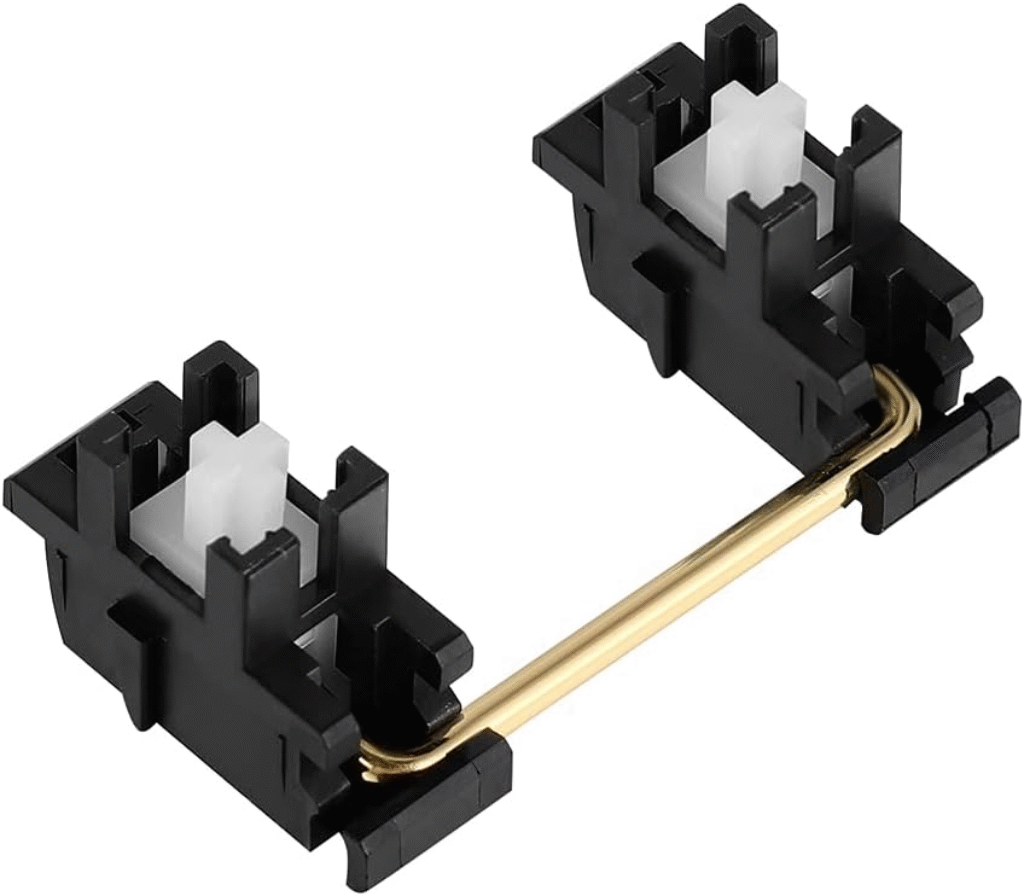
Cheap, rattling stabilizers will ruin an otherwise great keyboard. Look for kits that use screw-in stabilizers, as they are generally more secure and produce a better sound than plate-mounted ones.
5. Consider the Keycaps (Or Plan to Upgrade)
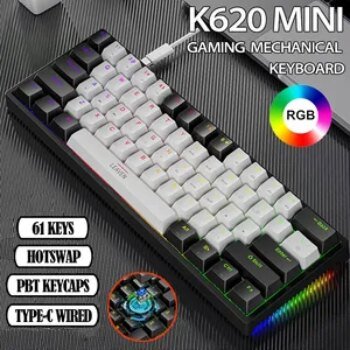
Many kits come with a basic set of keycaps. Pay attention to the material: PBT keycaps are more durable and resistant to shine than ABS. However, keycaps are the easiest part to upgrade later, so don’t let a basic set stop you from buying an otherwise great kit.
💰Save More with Our Discounts & Coupons!
You’ve Chosen Your Kit… Now What?
Once you’ve used this guide to select the perfect DIY mechanical keyboard kit, the next step is assembly. While it might seem intimidating, building a hot-swap kit is a fun and straightforward process.
For a complete walkthrough, we’ve created an in-depth, step-by-step tutorial that covers everything from lubing your stabilizers to programming your layout.
Ready to build? Read our complete guide here: How to Build a Custom Keyboard: A Step-by-Step Guide for Beginners
Frequently Asked Questions (FAQ)
No, it’s generally not cheaper. The value of a custom keyboard kit is in the superior quality and deep personalization, not in saving money. A good beginner mechanical keyboard build kit typically starts around $150.
These compact layouts are popular with gamers because they provide more desk space for large mouse movements, promoting better ergonomics. They also offer a clean, minimalist aesthetic that many people prefer for their desk setup.
Most kits come with a case, PCB, and plate. You will usually need to purchase your switches, keycaps, and a USB cable separately. You will also need simple tools like a screwdriver, a switch puller, and a keycap puller for assembly.