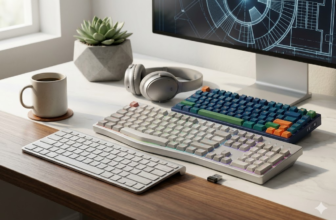
So, you've ventured into the world of mechanical keyboards, but you can't help but feel something is missing. Your keyboard is good, but it's not great. You hear terms like "thocky" and "creamy" online and wonder how to achieve that premium sound and feel without building a keyboard from scratch. The answer lies in keyboard mods.Keyboard modding is the art of making simple, often inexpensive, modifications to your pre-built or custom keyboard to dramatically enhance its acoustics and typing feel. From quieting a rattly spacebar to deepening the sound of every keystroke, these mods can transform a standard keyboard into a personalized masterpiece.
This guide will walk you through the 10 most popular and effective keyboard mods, from beginner-friendly tweaks to more advanced projects.
💰Save More with Our Discounts & Coupons!
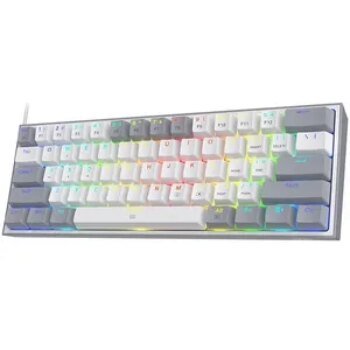
A Beginner’s First 3 Mods: The Biggest Bang for Your Buck
Feeling overwhelmed? Don’t be. If you’re new to modding, start with these three simple, low-risk mods that deliver the most noticeable improvements.
- The Tape Mod: The easiest sound mod. Applying painter’s tape to the back of your PCB can instantly deepen your keyboard’s sound profile.
- Add Case Foam: The simplest way to reduce hollowness. Adding a layer of foam to the bottom of your keyboard’s case absorbs unwanted echo and vibration.
- Upgrade Your Keycaps: Instantly change the look, feel, and sound of your keyboard just by swapping out the keycaps.
Essential Sound Dampening Keyboard Mods
The primary goal of many mods is to eliminate high-pitched, hollow, and rattly sounds, replacing them with a deeper, cleaner, and more satisfying sound profile.
1. The Tape Mod
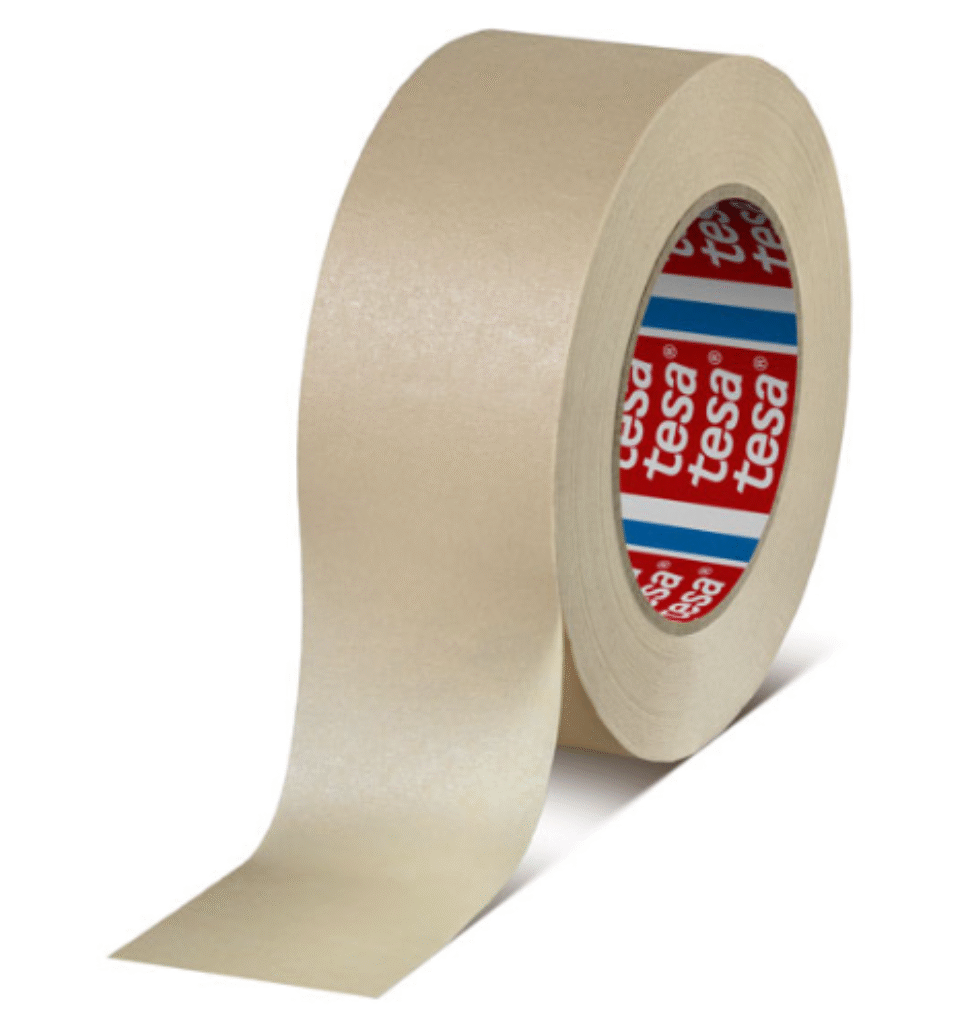
Popularized by the keyboard community, the tape mod is famous for its simplicity and effectiveness. It involves applying layers of painter’s or masking tape to the back of the PCB. This mod dampens high-frequency vibrations and reflects sound waves, resulting in a deeper, “poppier,” and less harsh sound profile.
- How to do it: Disassemble your keyboard to access the back of the PCB. Apply two to three layers of painter’s tape, ensuring you cut out holes for screws or other components. Reassemble and enjoy the new sound.
- Is it safe? Yes, if done correctly. Use a non-conductive tape like painter’s tape and avoid tape with strong adhesives that could damage the PCB upon removal.
2. The PE Foam Mod
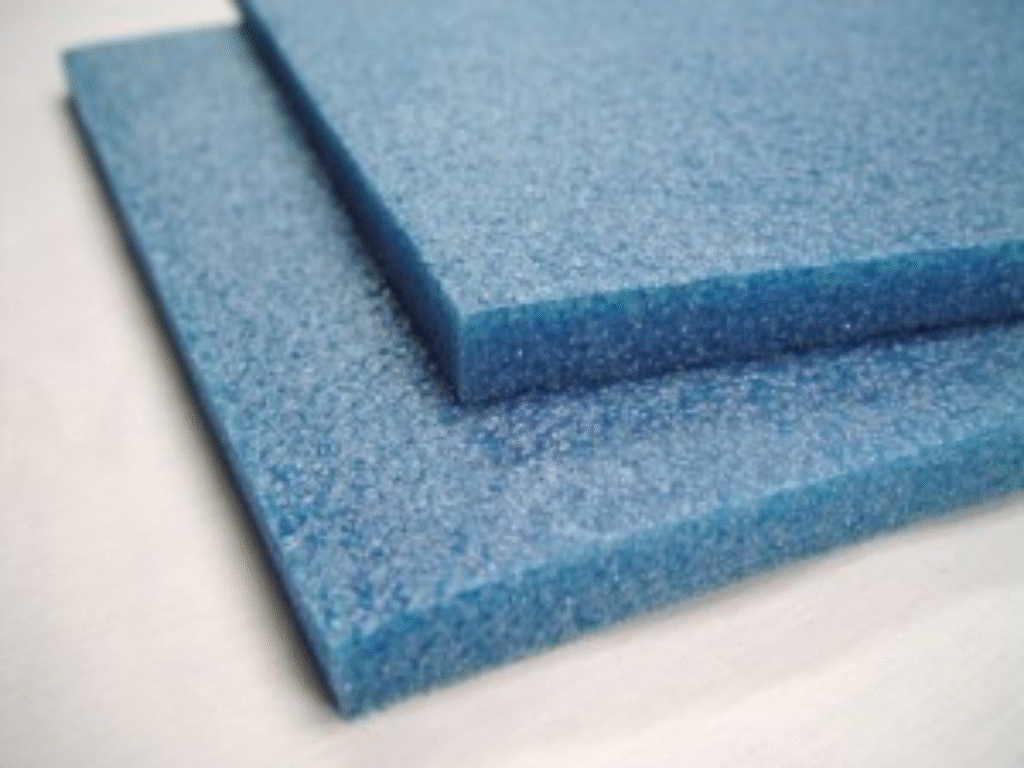
This mod involves placing a thin layer of PE (polyethylene) foam between your switches and the PCB. When the switch is pressed, the foam helps to diffuse the sound, creating a smoother, “marblier,” and often quieter sound signature. This is one of the most popular mods for achieving that trendy keyboard sound.
3. Case Foam Mod
Does your keyboard sound hollow or empty? The foam mod is the solution. This simply involves adding a layer of sound-dampening material, like dense packing foam or specialized keyboard foam, to the bottom of the keyboard case. This fills the empty space and absorbs vibrations and echoes, resulting in a much more solid and less hollow sound.
💰Save More with Our Discounts & Coupons!
Must-Do Mods for a Smoother Typing Feel
These mods target the moving parts of your keyboard to eliminate scratchiness and rattle, leading to a buttery-smooth feel.
4. Lubing Your Switches
If you feel a slight scratchiness or hear a “pinging” sound from the springs when you type, lubing your switches is the solution. This process involves disassembling each switch and applying a thin layer of specialized lubricant (like Krytox 205g0) to the internal components. The result is an incredibly smooth, quiet, and consistent keystroke. This is a more time-consuming mod, but it delivers one of the most significant upgrades in typing feel.
5. Upgrading and Lubing Stabilizers
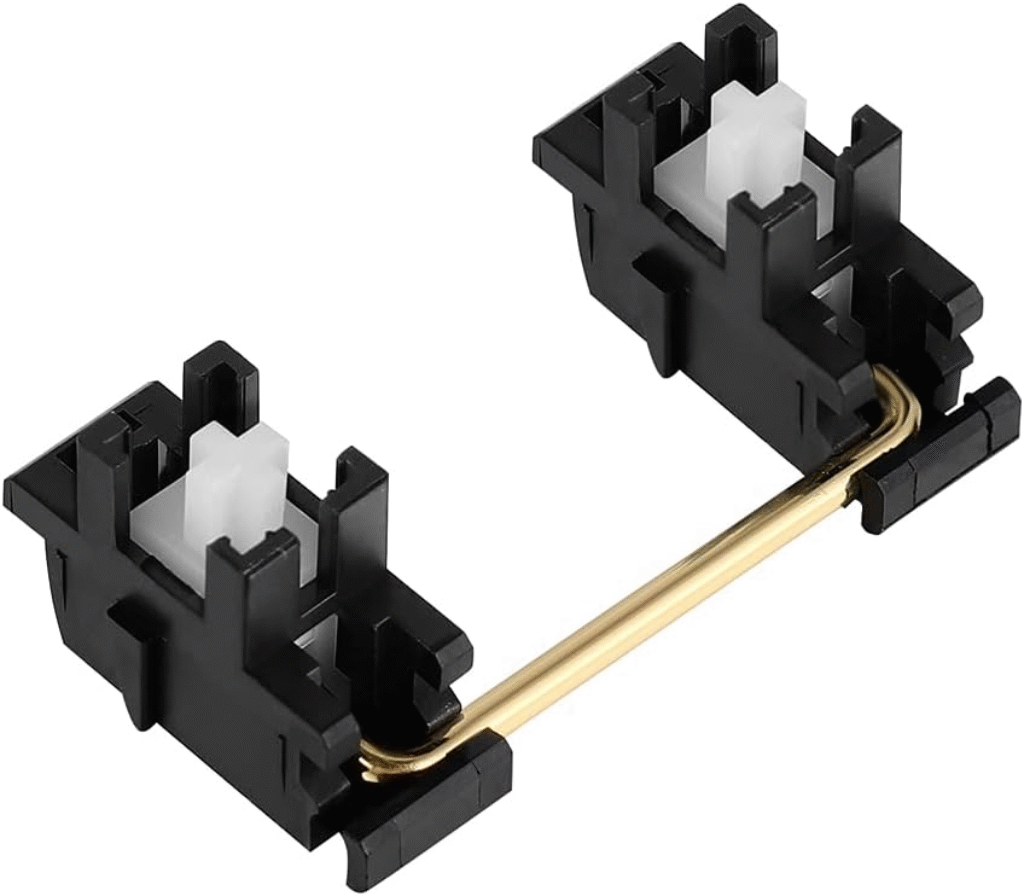
Rattly stabilizers are the #1 offender in making a keyboard sound cheap. Your longer keys (Spacebar, Enter, Shift) are supported by stabilizers, and if they are not tuned, they will rattle. There are a few key stabilizer mods:
- Lubing: Disassemble the stabilizers and apply dielectric grease to the wire ends and a thin coat of Krytox 205g0 to the housing. This is the single most important step.
- Clipping: On “clip-in” style stabilizers, snipping off the small extra “feet” on the bottom of the stem prevents a mushy bottom-out, resulting in a crisper feel.
- The “Band-Aid” Mod: Placing a soft fabric band-aid or a piece of foam on the PCB where the stabilizer lands can further dampen the sound of it bottoming out.
Pro Tip: If your keyboard has “plate-mounted” stabilizers, consider upgrading to higher-quality “screw-in” stabilizers. They are much more secure and provide a superior, rattle-free experience from the start.
Aesthetic & Personalization Mods
Once you’ve dialed in the sound and feel, these mods will complete your keyboard’s look.
6. Upgrading Your Keycaps
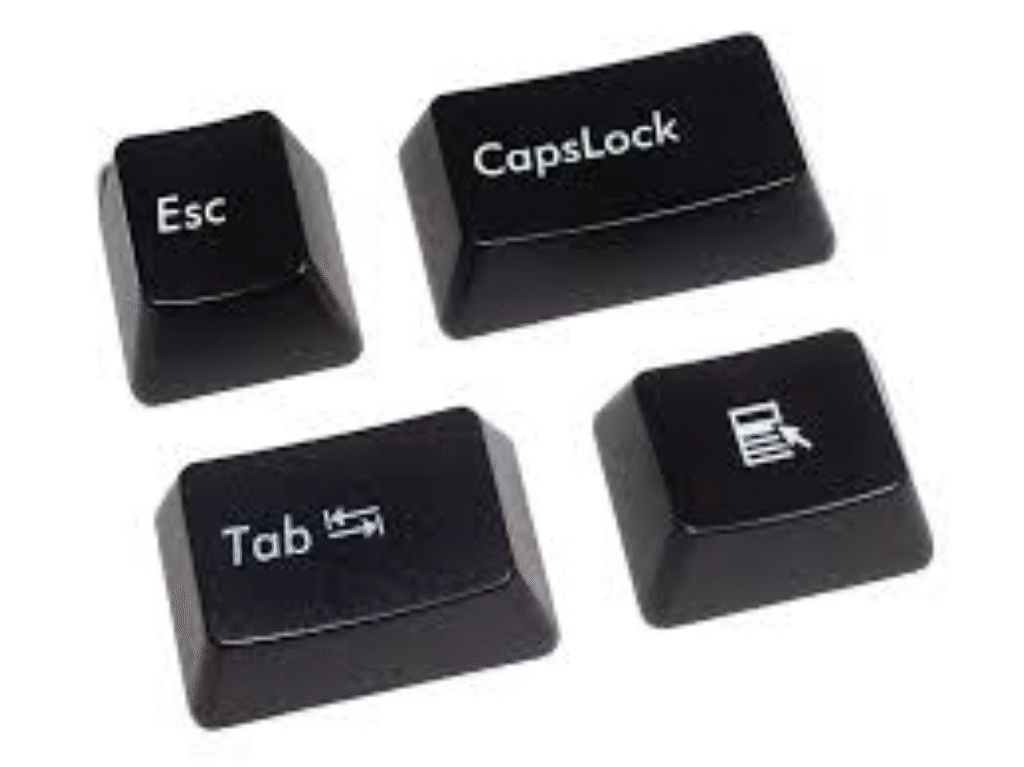
Replacing your stock keycaps is the easiest and most impactful visual mod. High-quality keycaps, typically made of PBT plastic and between 1.2mm and 1.5mm thick, can dramatically improve the sound profile and typing comfort.
7. Custom Coiled USB Cable
Ditch the standard black cable. A custom coiled USB cable adds a huge personal touch to your desk setup and comes in thousands of color combinations to perfectly match your keycaps and theme.
Advanced Keyboard Mods
Ready for a bigger challenge? These mods offer even more customization.
8. Film Your Switches
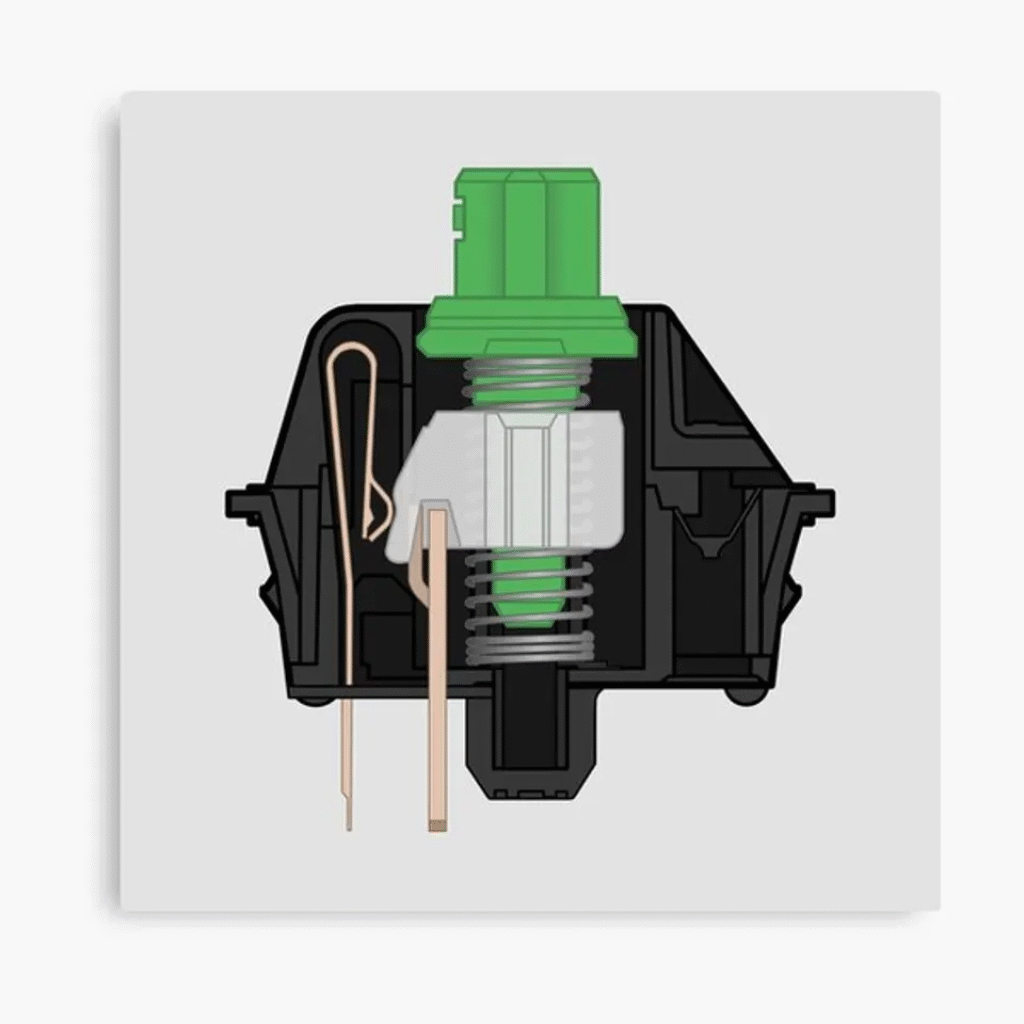
For an even tighter and more consistent sound, you can place a tiny piece of plastic or rubber, called a switch film, between the top and bottom housing of your switches. This reduces any wobble between the housing parts, leading to a cleaner sound profile and less stem wobble.
9. Replace Your Switches
If your keyboard has a hot-swappable PCB, you can easily pull out your existing switches and try new ones without any soldering. This allows you to completely change your typing experience, for example, by moving from a noisy Clicky switch to a smooth Linear one.
10. Replace the Case
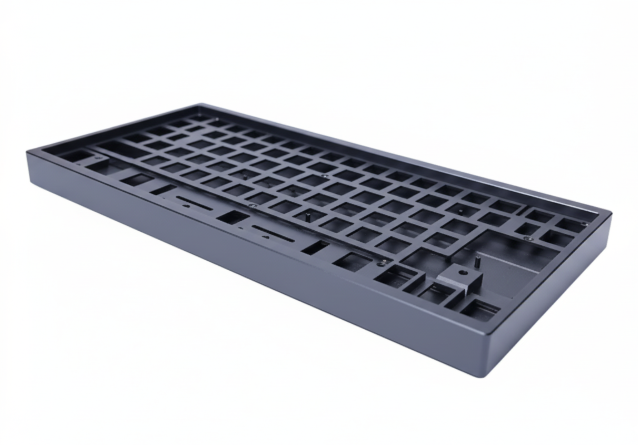
For the ultimate in customization, you can even move the internal components of your keyboard into a new case. Swapping a standard plastic case for a heavy aluminum or a unique transparent polycarbonate case will completely transform the look, feel, and sound of your build.
💰Save More with Our Discounts & Coupons!


Frequently Asked Questions (FAQ)
The most popular keyboard mods for beginners are the tape mod (applying tape to the PCB), the foam mod (adding foam to the case), lubing stabilizers to remove rattle, and upgrading your keycaps for a better look and feel.
Yes, absolutely. The satisfaction of transforming a generic, rattly keyboard into a smooth, quiet, and personalized tool is immense. Simple, inexpensive mods like the tape mod and lubing stabilizers can make a $100 keyboard sound and feel like a $300 custom build.
Yes, for the most part. Beginner mods like changing keycaps and adding foam are completely safe. Mods like the tape mod are also safe if you use non-conductive tape (like painter’s tape). The primary risk of damage comes from more advanced mods like soldering or if you are not careful when disassembling the keyboard.
People mod keyboards to achieve a superior sound and feel that can’t be found in off-the-shelf products. The goal is often to eliminate unpleasant noises like spring ping and stabilizer rattle and to tailor the typing experience to their exact personal preference, whether that’s a deep “thocky” sound or a completely silent one.
Conclusion
Keyboard mods are your gateway to a typing experience you never thought possible from a pre-built board. By investing a little time and effort into simple modifications like the tape mod, lubing stabilizers, and adding foam, you can unlock a level of sound and feel that is truly personalized. You don’t need to be an expert to start—just a little curiosity and the desire to make your favorite tool truly your own.
Ready to start modding? Explore Dealibrium’s guides for the best tools and components for your next project!